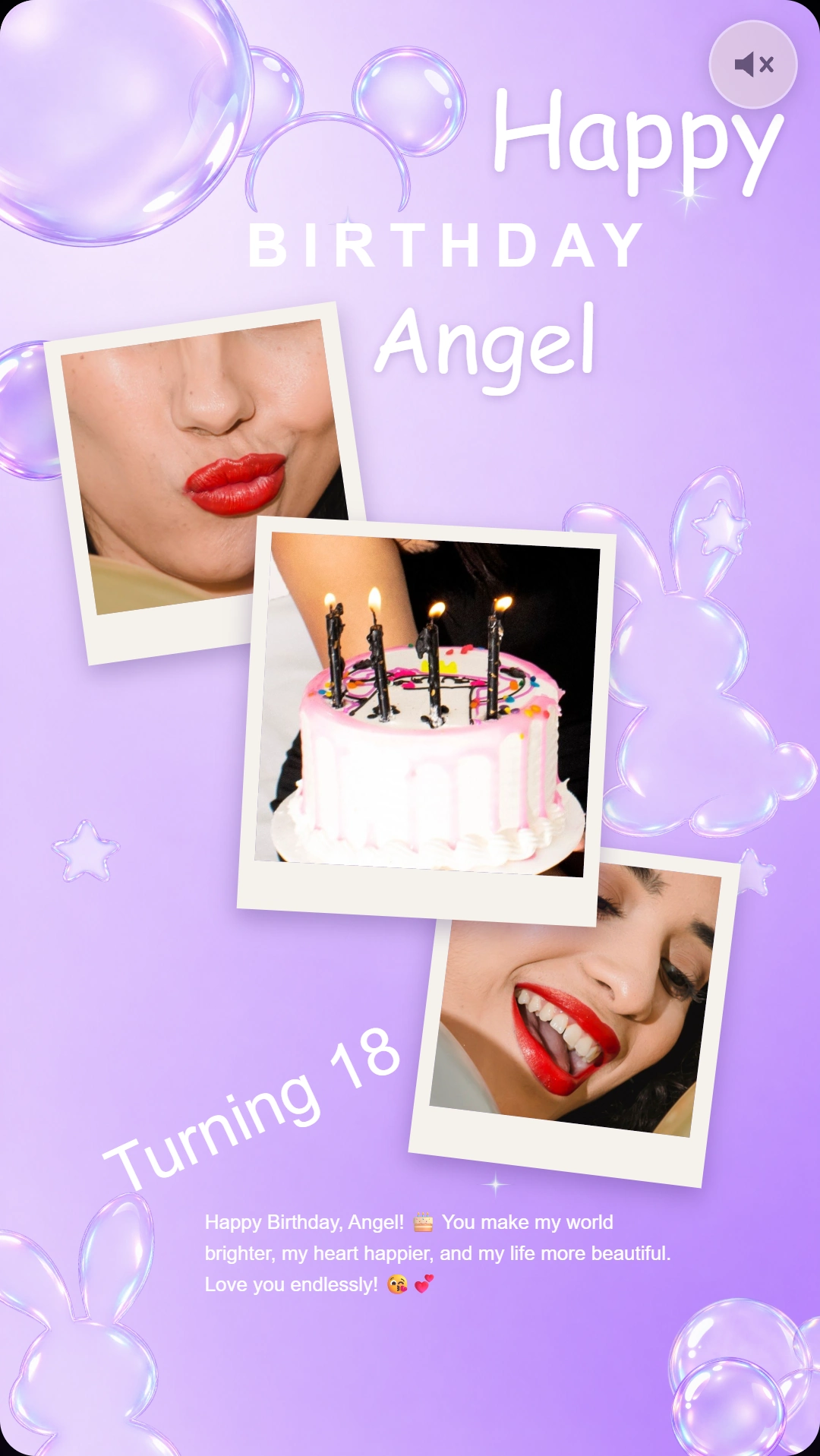
Lavender collage card
Lavender Bubble Birthday Card for Instagram Collage
This birthday card looks like a dreamy pastel wallpaper. The whole page glows in soft lavender and violet, with glossy see-through bubbles floating in the corners and shiny bunny shapes resting on the sides. A little headband outline, twinkling stars and sparkles complete the cute look. The heading shows a white handwritten Happy, widely spaced BIRTHDAY letters and the name in a flowing script. Three cream polaroid frames are laid at playful angles, with a tilted Turning age line and a short wish below. It suits girlfriends, best friends, sisters and daughters who love aesthetic, trendy designs. Add three photos, a name, an age and a message, then share one link on WhatsApp or Instagram.
- Girlfriend
- Wife
- Sister
- Best friend
- Mom
Add the details and photos, preview your card, then unlock it to get a shareable link.
How to make a lavender bubble birthday card in three steps
The design is already ready, so you only add your own photos and words. Take a minute to check the preview before you share the link.
Add your three polaroid photos
Upload three photos for the cream polaroid frames: one tilted at the top left, a larger one in the centre and one at the lower right. Pick clear, bright pictures with faces near the middle.
Type the name, age and wish
Type the name that appears in white script beside BIRTHDAY, enter the number for the tilted Turning line near the bottom left, and write your wish in the small text area under the photos.
Preview, unlock and share
See how the glossy bubbles, bunny shapes and your photos look together. Fix anything you like, unlock the card, then send the link on WhatsApp, Instagram or Facebook with a sweet line.
What makes this lavender design special
The first thing you notice is the glassy, bubble-like style. Soft purple fades from pale lilac at the top to deeper violet at the bottom, and large transparent bubbles with rainbow edges float in the corners as if they just drifted in. Two bunny silhouettes in the same shiny, jelly-like finish sit on the left and right, and a tiny headband outline peeks near the top. Everything feels light, soft and slightly magical, like a trendy phone wallpaper turned into a birthday card.
The writing is clean and modern. A white handwritten Happy leans over widely spaced BIRTHDAY capitals, and the name flows beneath in the same friendly script. White text on lavender is easy to read, and the stars and sparkles add a gentle shine without crowding the page. The mood is dreamy, cute and youthful, which makes it a great pick for teens and young adults who love pastel colours and aesthetic collages for their stories and feeds.
Choosing photos that suit this collage layout
This card has three polaroid frames with cream borders and a thicker strip at the bottom. They overlap slightly, with one at the top left, a bigger one in the middle and one at the lower right, so the page looks like pictures dropped on a table. The photo area in each frame is close to square or slightly tall, which suits portraits, close-ups, selfies and shots of a cake or party moment.
Bright, sharp photos look best against the lavender background. Warm skin tones and white or pink details pop nicely on purple. A good mix is one close-up smile, one party or cake photo and one stylish portrait. Keep faces near the centre of each picture, because the frames are tilted and edges may be trimmed. Avoid screenshots, very dark images and tiny thumbnails. If you plan to post the card on Instagram, choose photos you already like seeing on your feed.
Writing the message with name and age
The name appears in white script right beside BIRTHDAY, so type it the way you call the person, such as a first name or a cute nickname. Check the spelling carefully, because it is one of the biggest words on the page. The age is shown in a tilted Turning line near the bottom left, so enter only the number. For milestone ages like eighteen, this tilted line looks especially cheerful.
The message sits under the photos in small white letters, so two or three short lines are best. For a partner, you can say how they brighten your world. For a best friend, add a funny memory or an inside joke. For a sister or daughter, a warm blessing feels lovely. You can use one or two emojis, like a cake or a heart, to match the cute mood. Read it once aloud so it sounds like you.
Frequently asked questions
What is this birthday card design?
This is a lavender birthday card with glossy see-through bubbles, shiny bunny shapes, stars and three cream polaroid frames. The words Happy BIRTHDAY, the name, a tilted Turning age line and your message appear in white. You personalise it with your own details and share it as a link.
How many photos can I add, and in what format?
This design supports three photos, one for each polaroid frame. Upload clear pictures from your phone gallery or camera roll. Portrait or near-square photos with the face near the centre usually look best. Very small or blurry images can look soft, so choose the best quality versions you have.
Can I preview the card before paying?
Yes. You can add your photos, name, age and message and see how the finished card looks before you pay. Use the preview to check the photo crops, spelling and message length, and unlock the final shareable link only when you are happy with everything on screen.
Can I edit the details before unlocking?
Yes. Before you unlock the card, you can change the photos, name, age and message as many times as you need. After unlocking, edits may not be possible, so please check every detail carefully, especially the spelling of the name and the age number.
Can I add a song to this card?
The card shows a small sound icon in the top right corner. Whether you can choose or change a song depends on the options shown in the editor for this design, so please check the customising screen before you unlock. This page does not promise a song feature.
How is the card shared, and how long does the link stay live?
After unlocking, you get a unique link that you can paste into WhatsApp, Instagram, Facebook or any other messaging app. The person opens it in a browser and sees your card. This page does not state how long the link stays live, so please check the site details before paying.
Does this card work on mobile?
Yes. The card has a tall, phone-friendly shape, and both you and the receiver can open it in a mobile browser. You can create it on your phone or on a computer, whichever feels easier, and the link shows the same lavender design on both.
Who is this design best for?
It is best for girlfriends, best friends, sisters and daughters who love cute, pastel and aesthetic looks. It works especially well for teens and milestone birthdays like turning eighteen. For very formal wishes, such as for a senior at work, a calmer and simpler design may suit better.
Can I download the card for an Instagram story?
The card has a tall, story-friendly shape, and the main way to share it is through the link, which you can send in a message or add to a story. You can also open the card and take a screenshot, but this page does not list a separate download feature.
How do I delete a card?
To remove a card, contact the bdayy.com team using the contact details on the website. Share your card link and the name used on the card so they can help you. This page does not list an instant delete button, so please follow the steps they give you.
Other birthday card designs
Explore more designs and find the one that fits your birthday person.
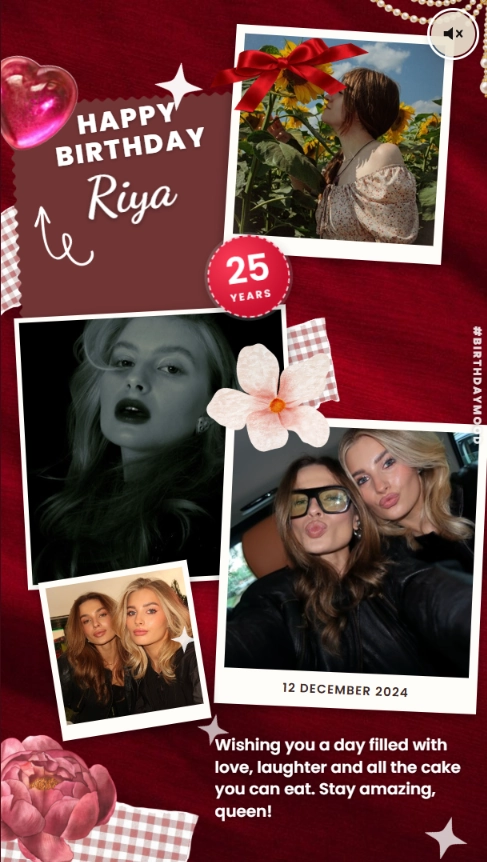
Bestie
Red polaroids, satin bow and a wishing note.
View Bestie design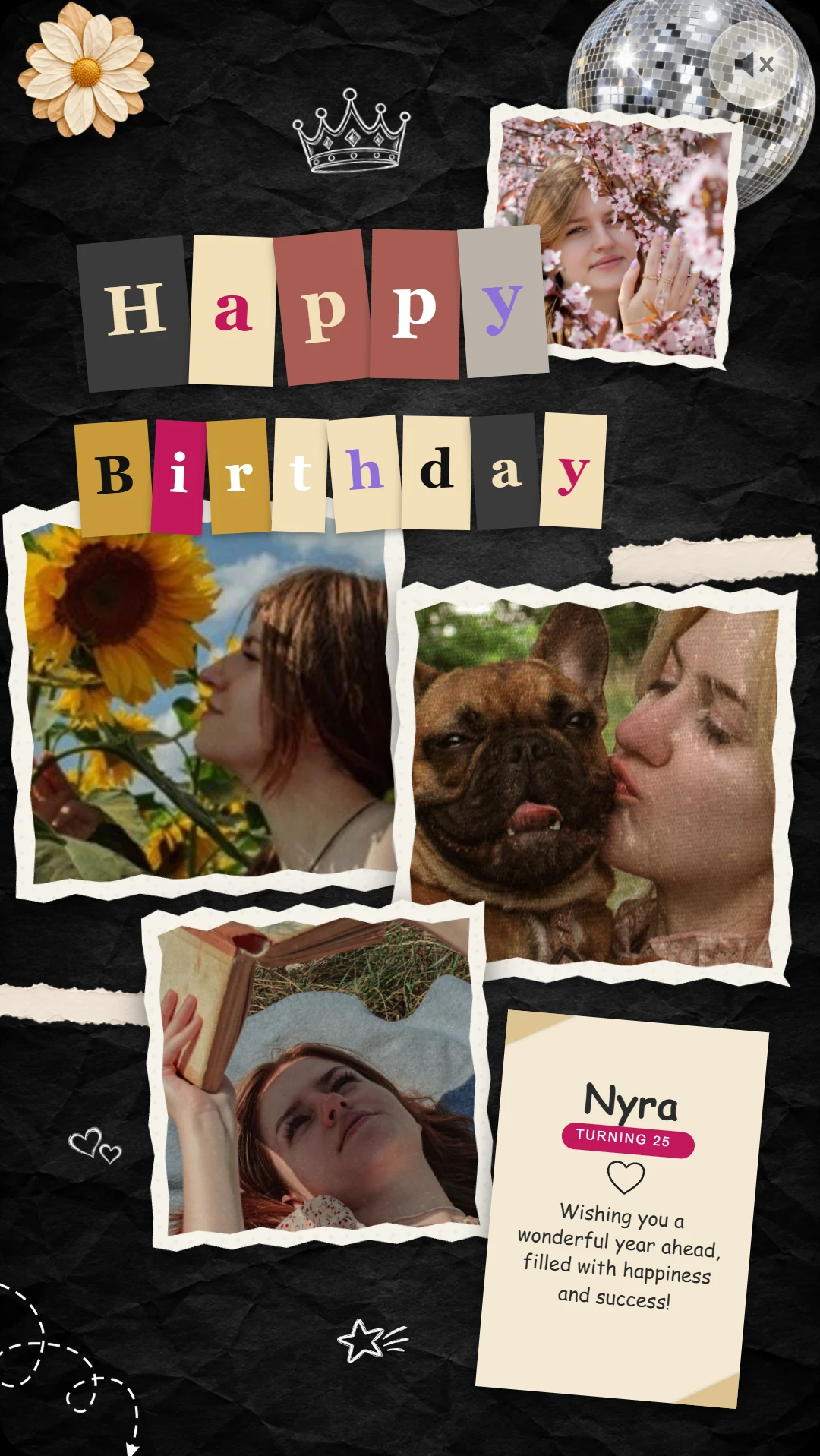
Birthday Cheers
Black crumpled paper collage with torn photos, cut-out letters and doodle stickers.
View Birthday Cheers design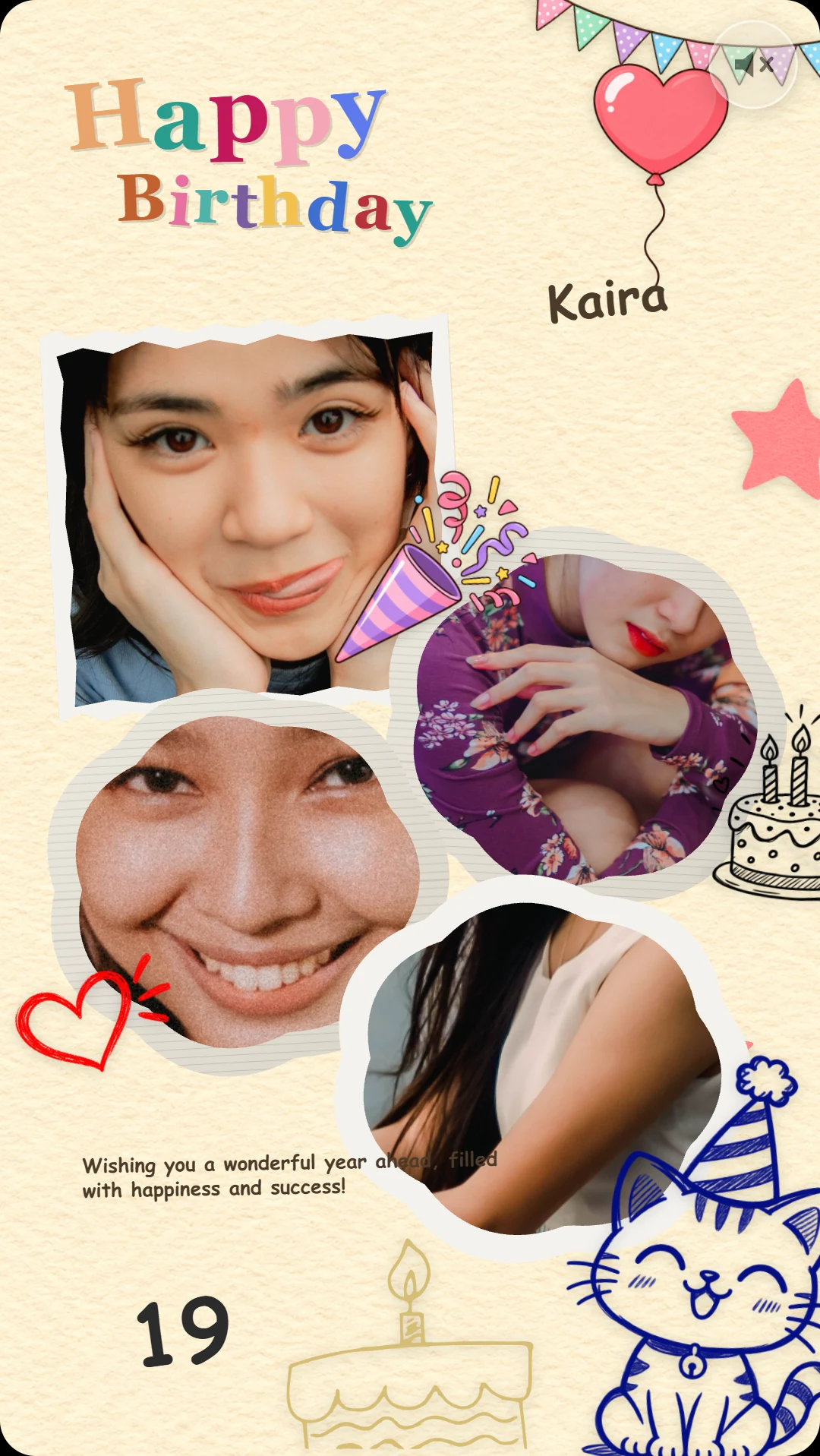
Cream Collage
Cream paper collage with cut-out letters, cloud-cut photos and doodle stickers.
View Cream Collage design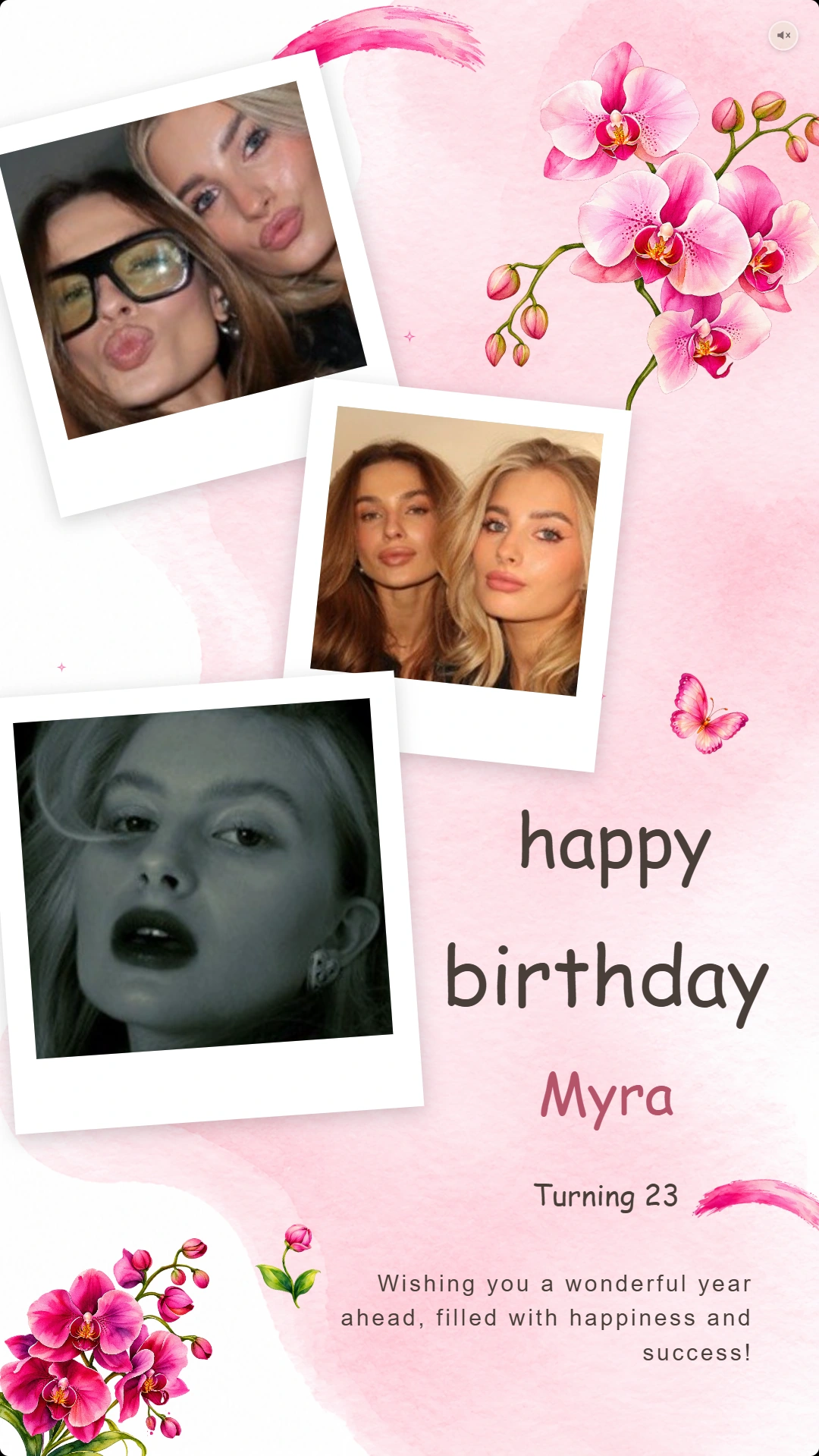
Floral
Watercolour orchids, polaroid photos and a soft script birthday note.
View Floral design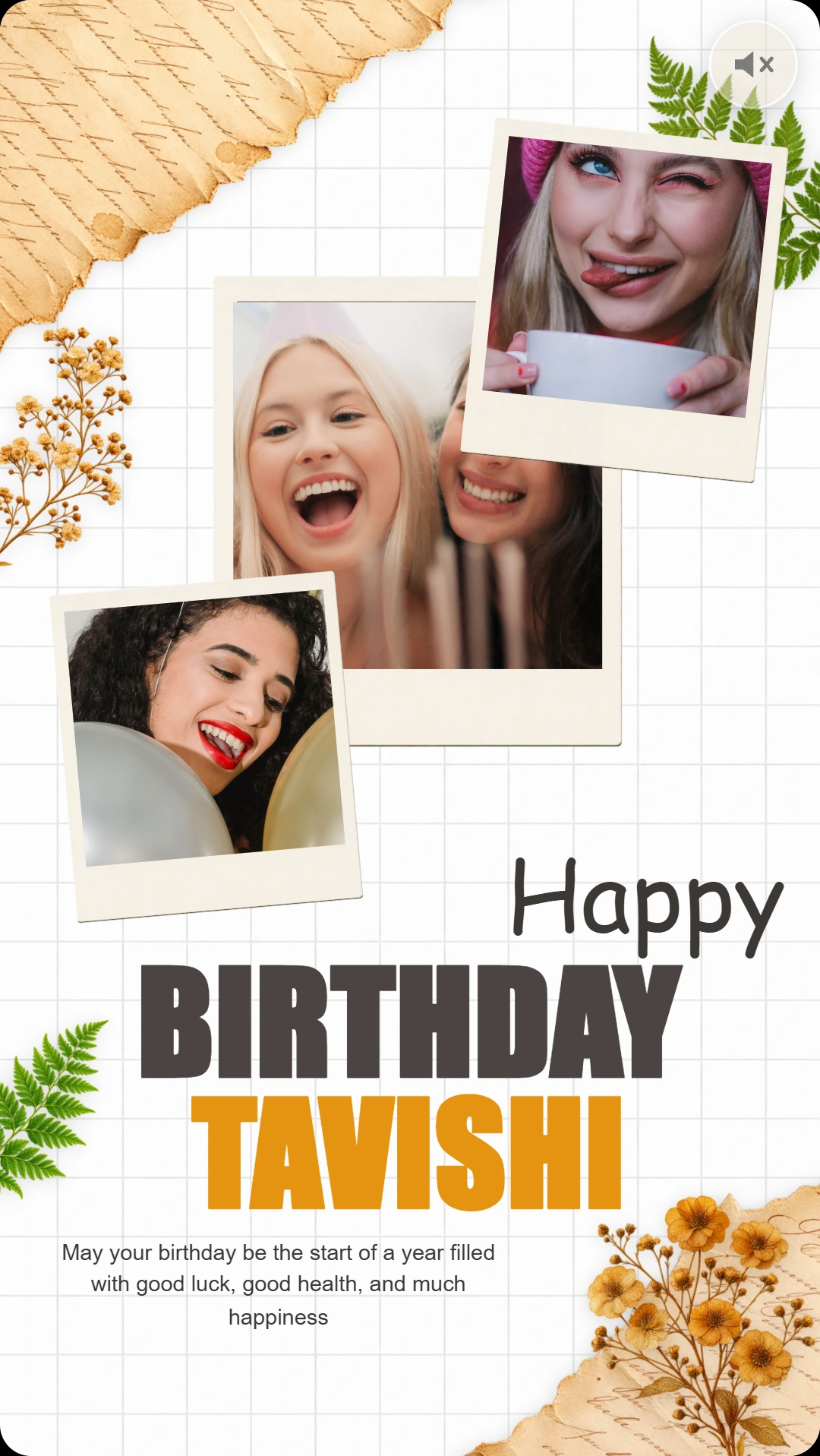
Vintage
Vintage scrapbook with handwritten letters, pressed flowers, polaroids and a bold birthday title.
View Vintage design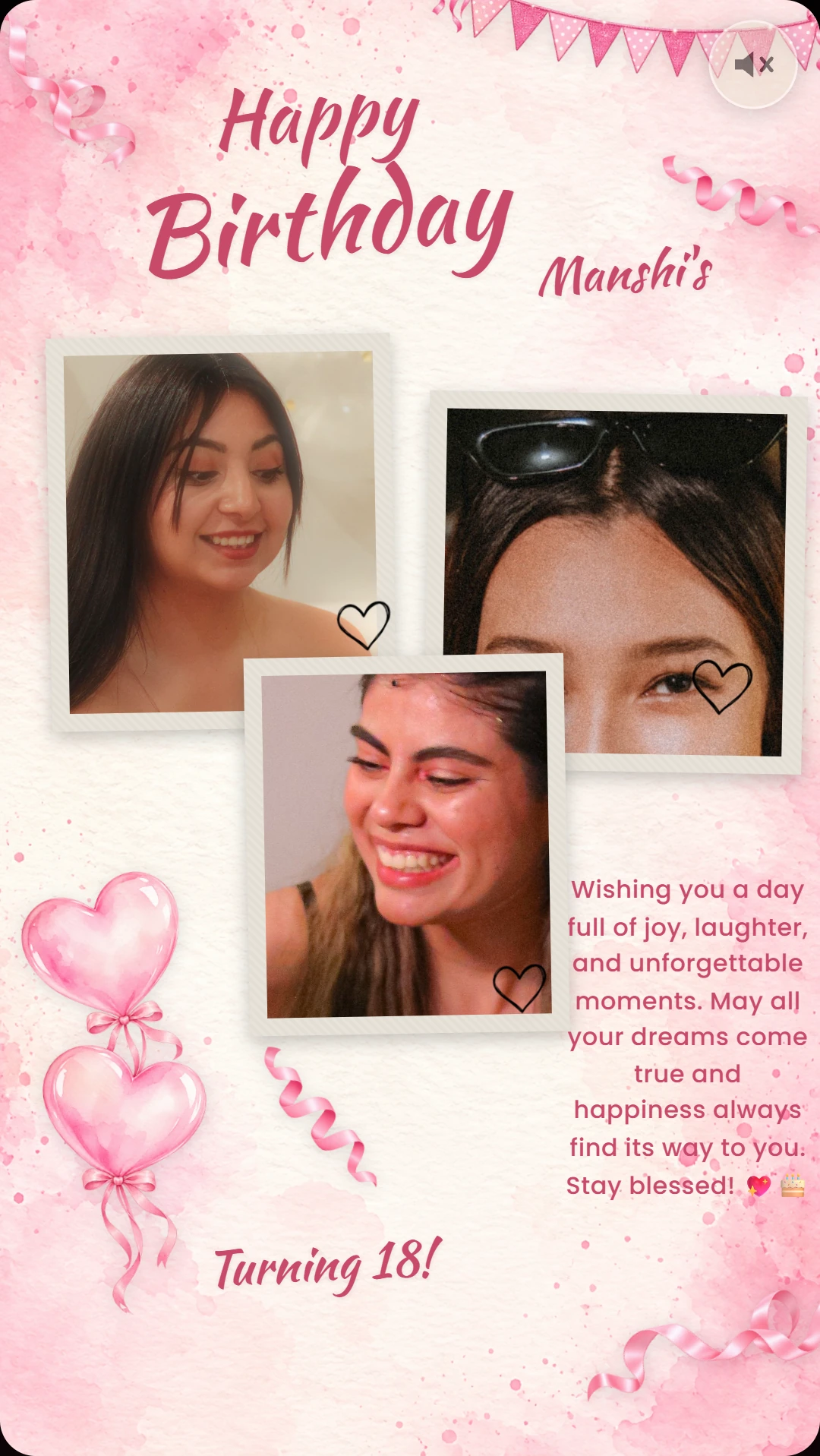
Pink Birthday
Pink watercolour card with heart balloons, bunting, ribbons and polaroid photos.
View Pink Birthday design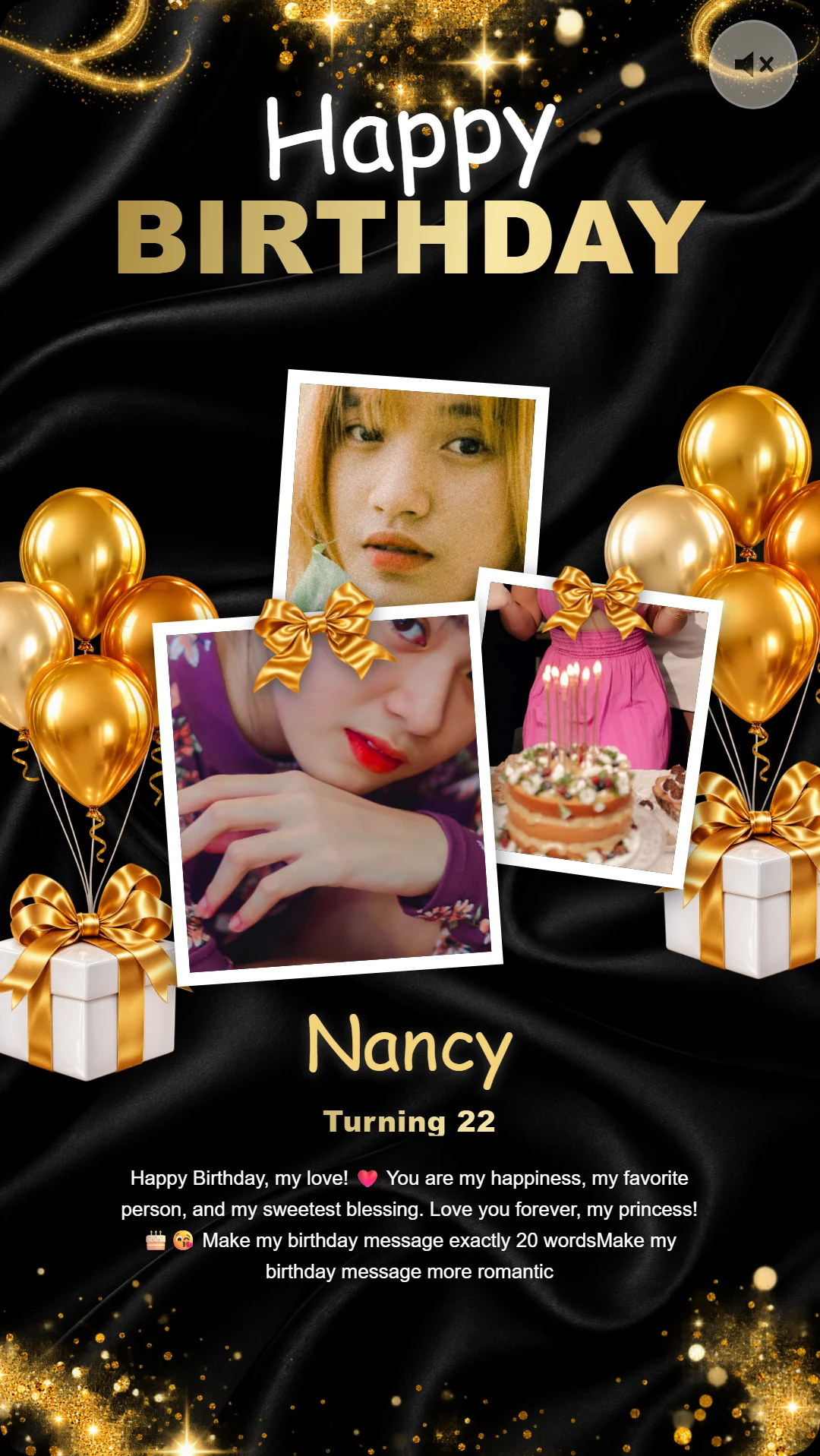
Night Gold
Black silk night card with gold balloons, gift boxes, shimmering BIRTHDAY text and polaroid photos.
View Night Gold design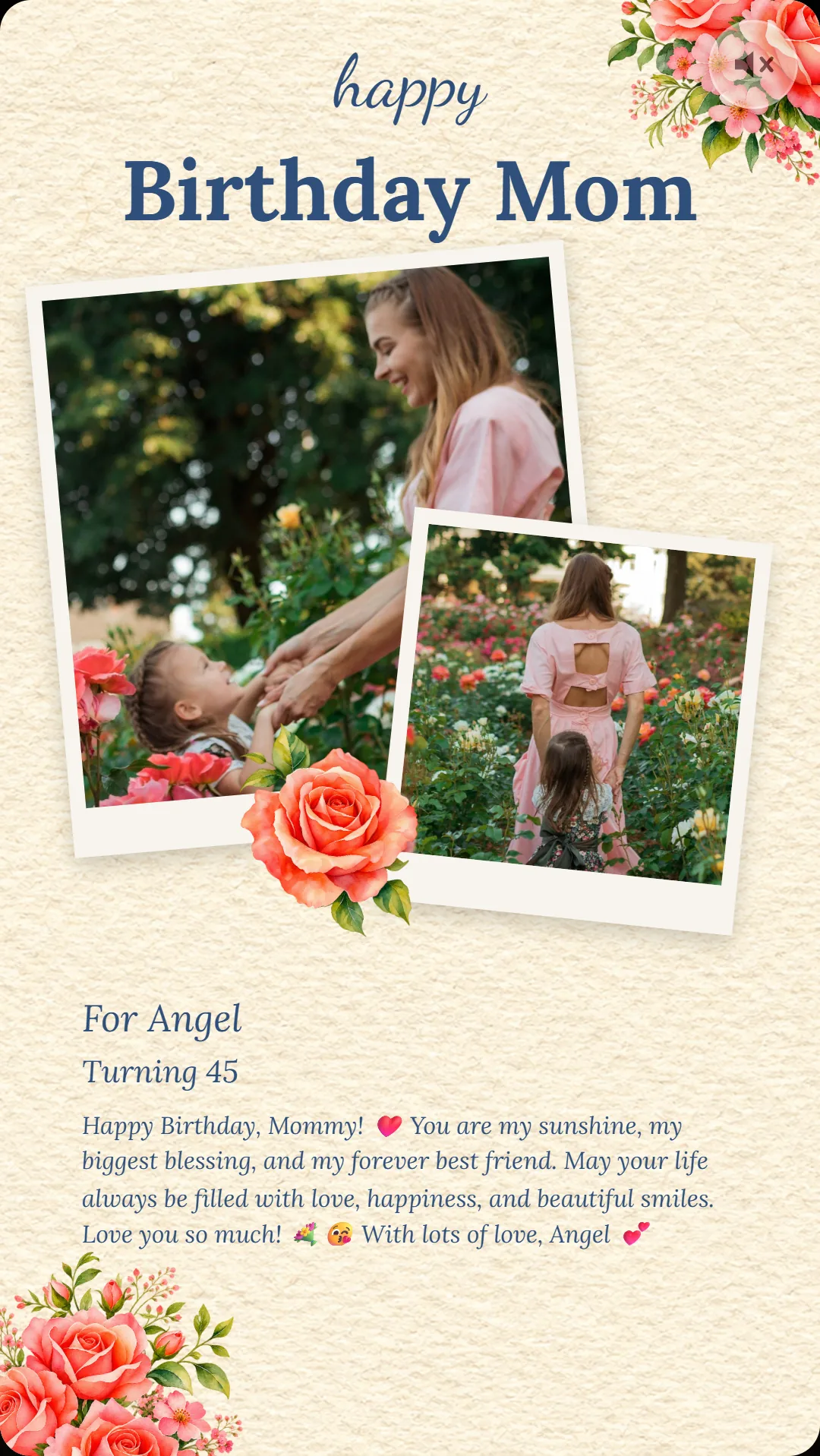
Happy Birthday Mom
Soft cream card with heart pattern, polaroid photos, flowers and a heartfelt note for mom.
View Happy Birthday Mom design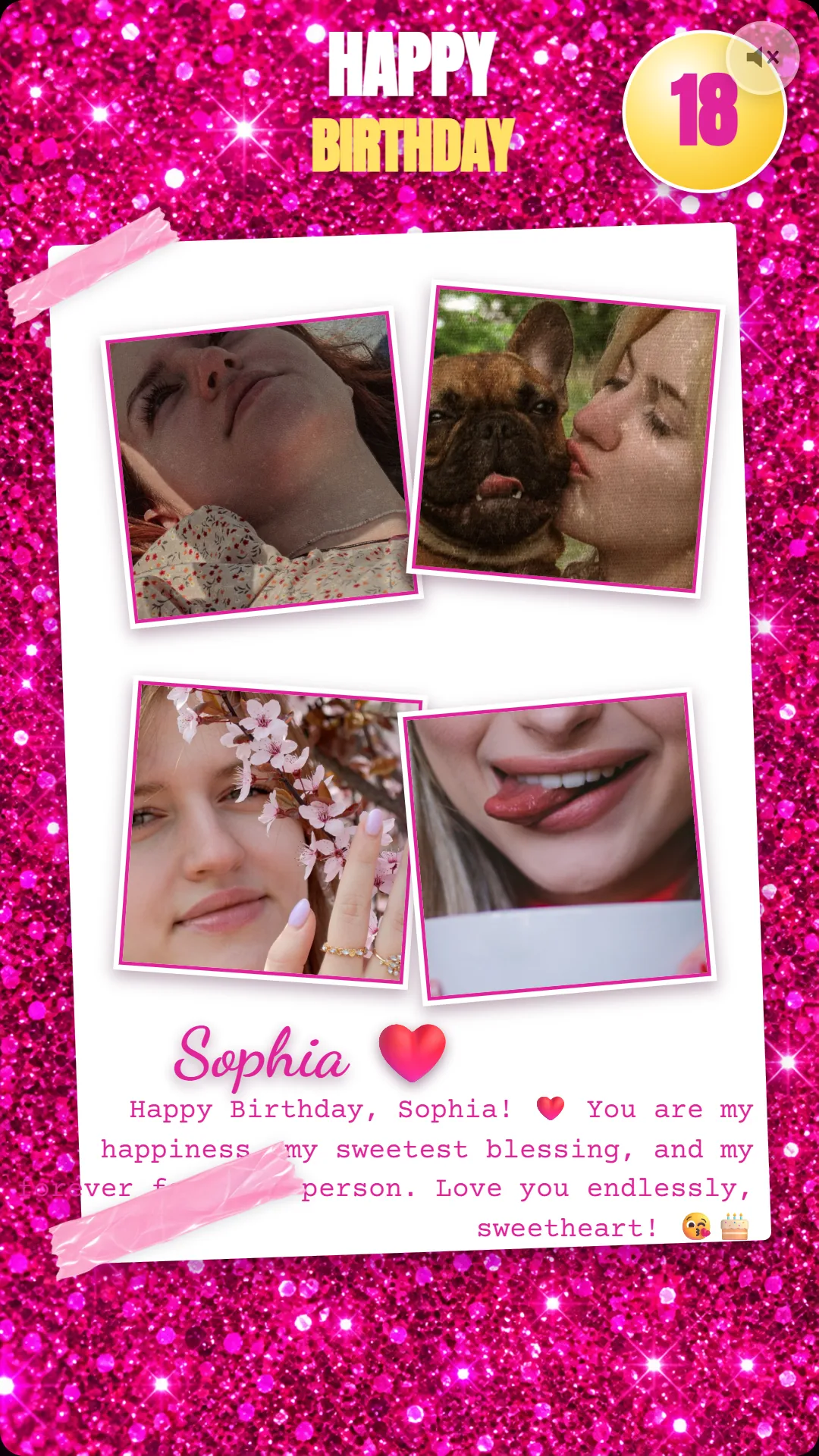
Glitter Pink
Sparkling pink glitter background with a white polaroid frame and four photos.
View Glitter Pink design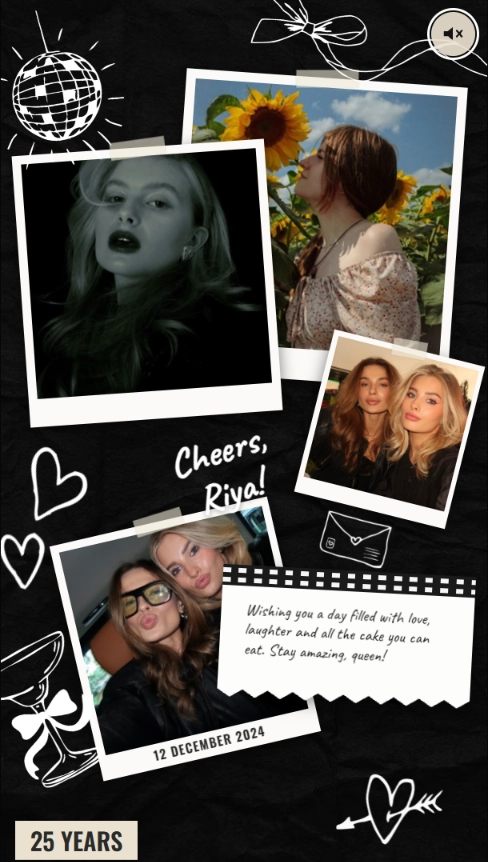
Cheers
Black night theme with polaroids and a wishing paper.
View Cheers design
Birthday
Bright birthday collage with a gift box opening.
View Birthday design
Create your Lavender Bubble birthday card
Add your photos, write your message, and share a personal link in minutes.
Start with this designLast updated: 2026-11-25